Free · No sign-in
CV Builder
Build your CV with 20 ATS-friendly templates and download it as a PDF. No account needed; your CV stays in your browser. The builder is in Turkish.
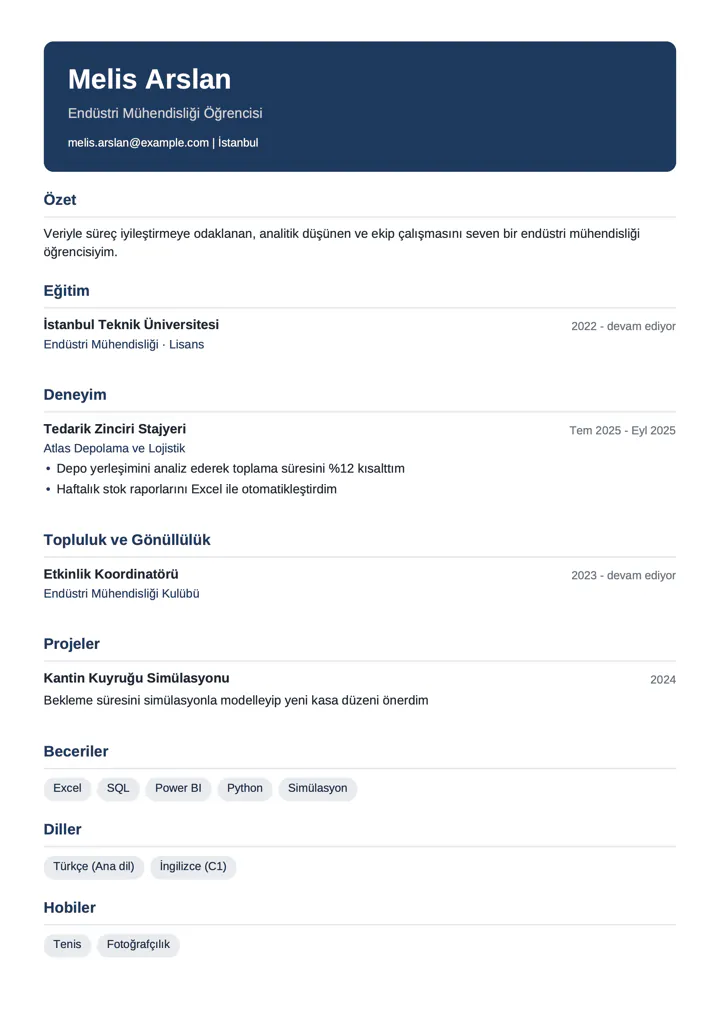
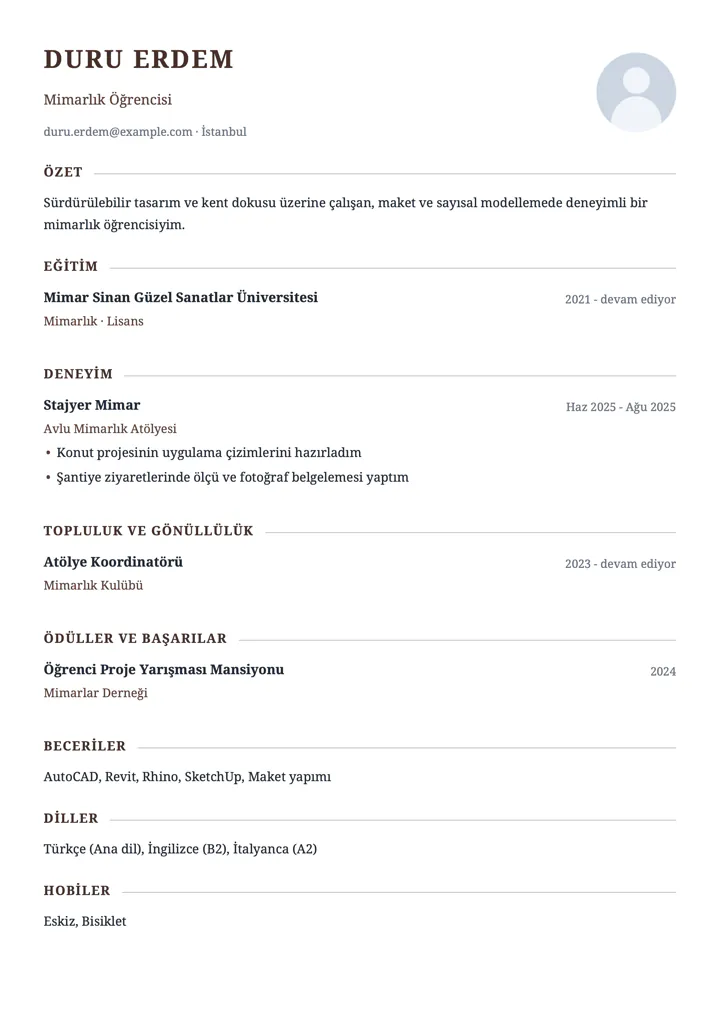
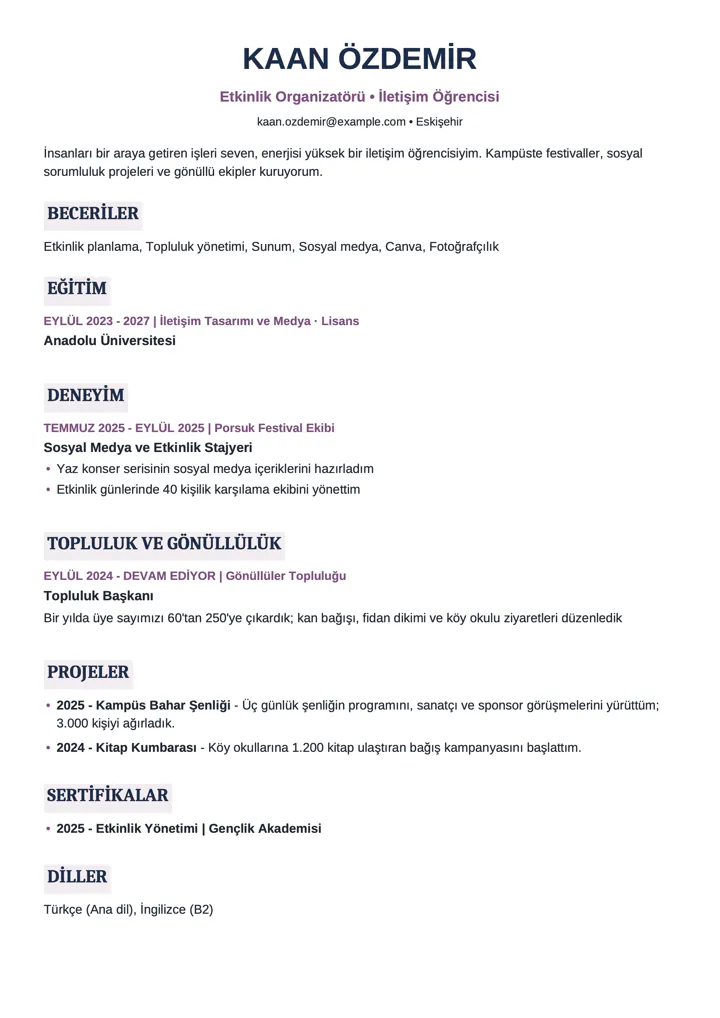
Everything a CV needs
ATS-friendly
Single column, selectable text, standard section titles. Applicant tracking systems can read it.
20 templates
Adjust color, font and lines; switching templates keeps your content.
Download as PDF
One tap and the PDF is ready to attach to your application.
Photo optional
With or without a photo. The photo stays on your device too.
Import your old CV
Have your own AI assistant read your existing CV and paste the result; no retyping.
Yours, not ours
Your CV is never sent to any server. No account, no sign-up.
Ready in three steps
- 1
Pick a template
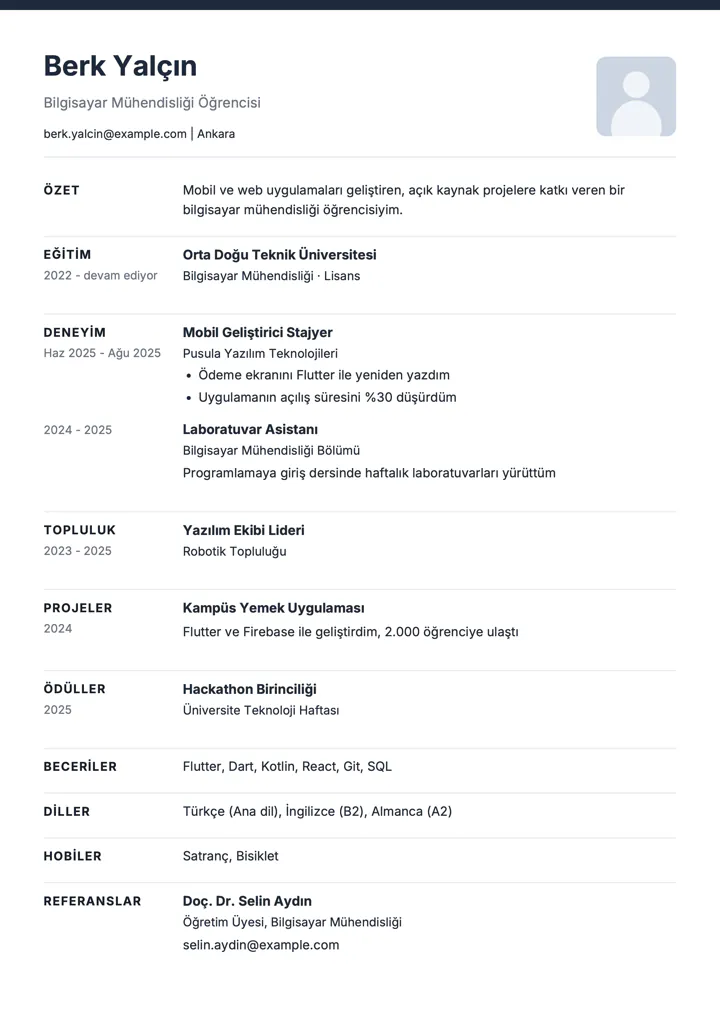
Choose one of 20 templates by looking at filled-in samples.
- 2
Add your details
Education, experience, community roles, projects, skills. Or import your old CV.
- 3
Download the PDF
Your CV is saved in your browser; come back and edit any time.
A few of the templates
People and details in the samples are made up.
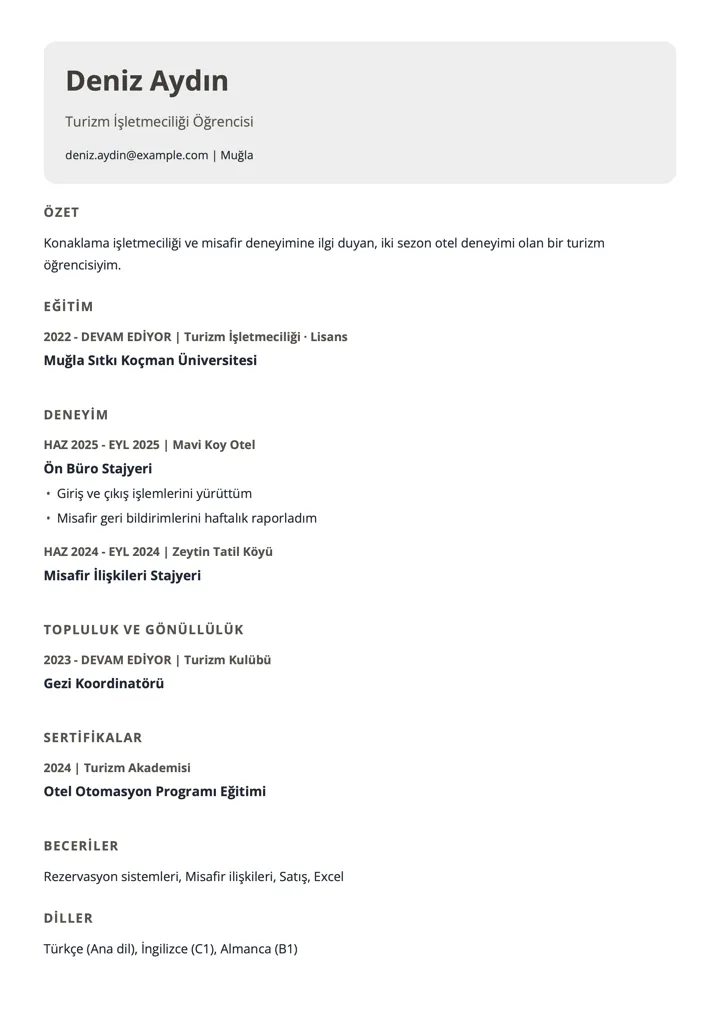
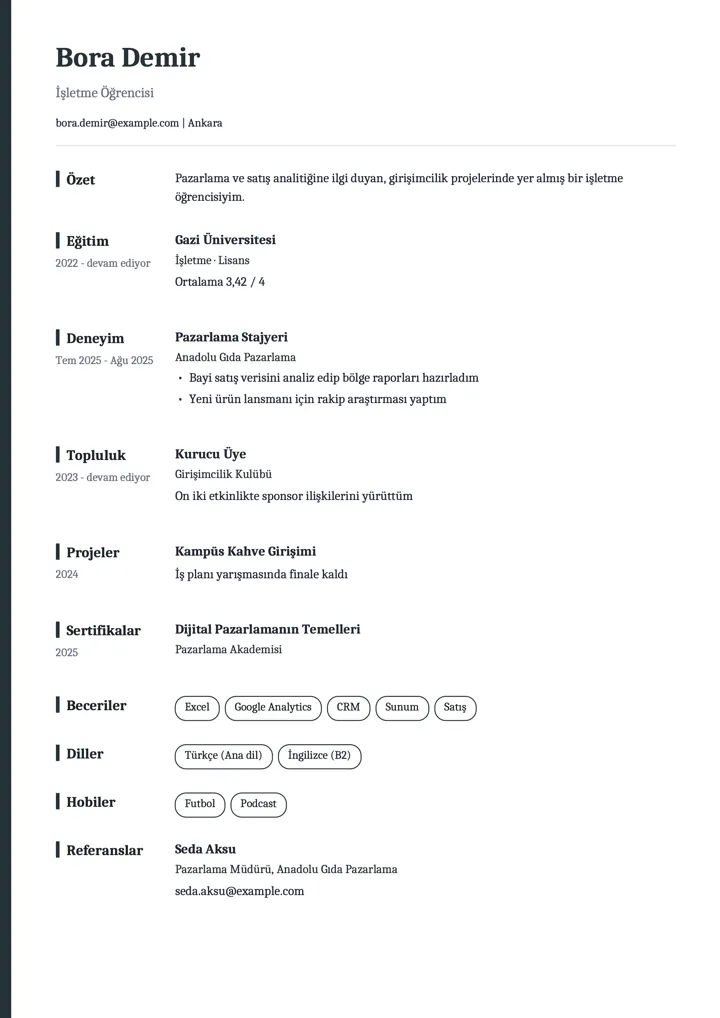
Your CV stays in your browser
- Your CV and photo are stored only in this browser and are never sent to any server.
- The builder makes no outside requests; even the fonts come from our own server.
- No account or email required.
- If you clear site data or switch browsers you will not see your CVs; download the important ones as PDF.
- You can keep up to 10 CVs.
In the mobile app
Fill it from your profile in one tap
In the UniConnectly app the same builder is linked to your profile: your education and event participation certificates come in with one tap.
- Education comes from your profile
- Event participation certificates are added as certificates
- Your CV still stays only on your device
Frequently asked questions
Is the CV builder free?
Yes. Use it without an account and download your PDF; no fee, no watermark.
What is an ATS-friendly CV?
A CV that applicant tracking systems can read automatically: single column, selectable text and standard section titles. Every template follows this layout.
Where is my data saved?
Only in the storage of the browser you use. Nothing is sent to our server, so you will not see it on another device or browser.
How do I import my old CV?
The builder gives you a prompt. You give the prompt and your old CV to your own AI assistant and paste its answer back. Your CV never reaches us.
Should I add a photo?
It is optional. Many applicant systems expect a CV without a photo; switch between the two in one tap.